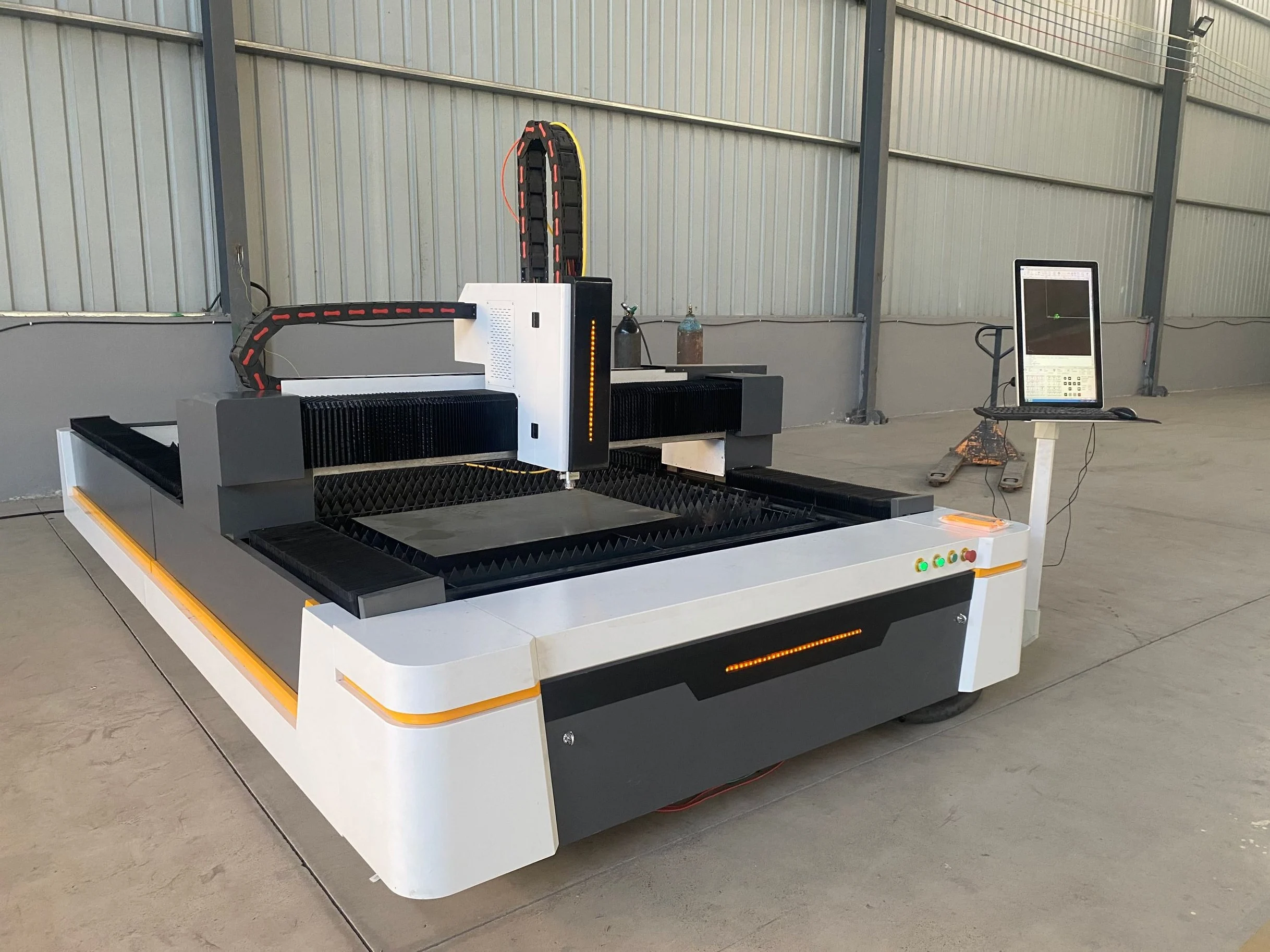
How CO2 Gives Acrylic a Flame-Polished Edge
The signature of laser-cut acrylic is the edge. Cut acrylic with a CO2 laser and the edge comes off flame-polished and clear, with no sanding, flame-treating, or buffing afterward — a single property that is why signage and display shops standardise on the process. Power and working area set thickness and panel size; the optics and air-assist set how glossy that edge turns out. This page explains how it works and what to consider.
Cast vs Extruded Acrylic
The two acrylic grades behave a little differently under the beam. Cast acrylic tends to give the cleanest flame-polished edge; extruded acrylic cuts clear too but usually wants a slight settings change. Knowing which grade you run is the first step in dialling in the result.
Acrylic Considerations
| Acrylic grade | Edge | Notes |
|---|---|---|
| Cast | Flame-polished | Best clarity, forgiving to cut |
| Extruded | Clear | Slight settings change vs cast |
Typical Uses
The work is commercial: illuminated signage, retail displays, POS stands, light covers, and architectural detailing. Intricate shapes, lettering, and repeat parts come off the same setup without tooling, and the finished edge needs no second operation.
Where Topstar Fits
Cutting acrylic is a CO2 job, a different process route from Topstar’s own line, which is fiber for metal — sheet metal laser cutting, precision laser cutting, and tube laser cutting. For metal parts, start there. To mark acrylic and other plastics rather than cut them, a CO2 laser marking handles that, and that is a machine we offer.
Certifications & Compliance: What to Check
On any laser sold for export, CE marking with a technical file and enclosure is the baseline, prepared up front. CE is the correct mark for the EU; where a SASO or GCC step also applies, confirm it separately rather than implying one mark clears every border.